Configuration
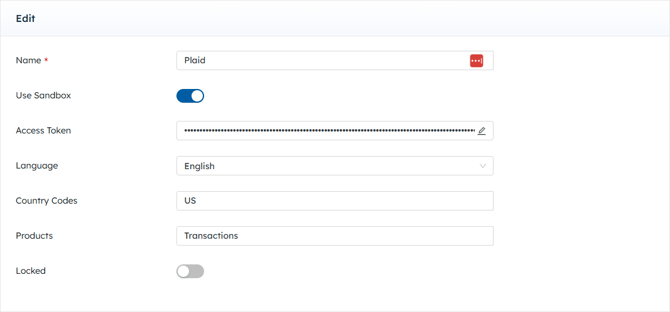
To make a Plaid connection, the following credentials are needed:
|
Field |
Required/Optional |
Description |
|
Name |
Required |
Provide a unique name for this credential. |
|
Use Sandbox |
Optional |
Toggle on if environment is Test/Sandbox, toggle off for Production. |
|
Access Token |
Not Applicable |
Leave blank. This field will auto-populate when connected to Plaid. |
|
Language |
Optional |
Utilize the pre-populated Language drop-down menu. |
|
Country Codes |
Optional |
Utilize the pre-populated Country Codes drop-down menu. |
|
Products |
Optional |
Utilize the pre-populated Products drop-down menu. |
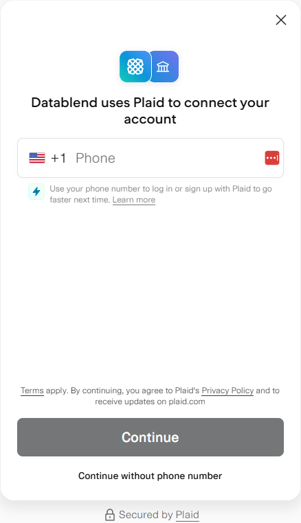
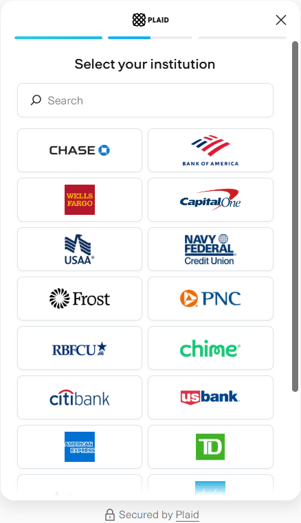
After filling in the fields, click Connect, optionally type in the phone number associated with the Plaid account, select institution, log into institution, and continue with the steps. Then, click Test Now and ensure the Status is Valid. See API - Overview | Plaid Docs for more information.