
To set up a credential to collect data from Popdock, first configure connectors on the Popdock side. For details, see Creating a Popdock API Endpoint to use with Power BI | eOne Solutions.
- In Popdock’s main menu, select Security.
- Click on API users.
- If a user does not exist, click + Add API user. Enter a Name for the API user and check the “Add an API token” box to generate an API token.
- If a user does exist, click the Edit icon and assign security to the API user.
- Navigate to Tokens in the navigation pane on a selected API user to Add token if one doesn’t exist, name it and generate to copy the ID.
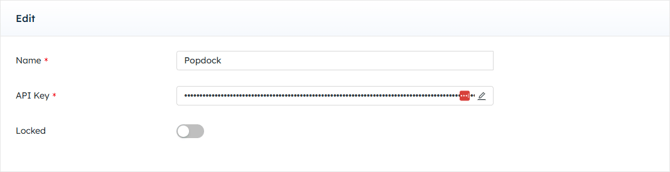
- Paste the ID in the DataBlend Popdock Credential.
Refer to https://help.popdock.com/ for more information.