
Starting January 1, 2026, current Shopify users won't be able to create new legacy custom apps (see Generate access tokens for custom apps in the Shopify admin). This won't impact any existing apps. Dev Dashboard is your new app development home.
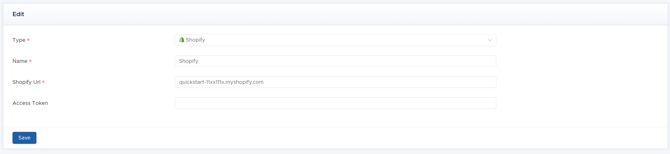
If you are a new Shopify customer, see https://shopify.dev/docs/apps/build/dev-dashboard/create-apps-using-dev-dashboard and https://shopify.dev/docs/apps/build/authentication-authorization/access-tokens/client-credentials-grant.
Note that when creating the custom app in your Dev dashboard, under Versions, there should be a place to put a redirect URL. This will need to be set to:https://ml.datablend.com/api/plugins/shopify/oauth/authorized
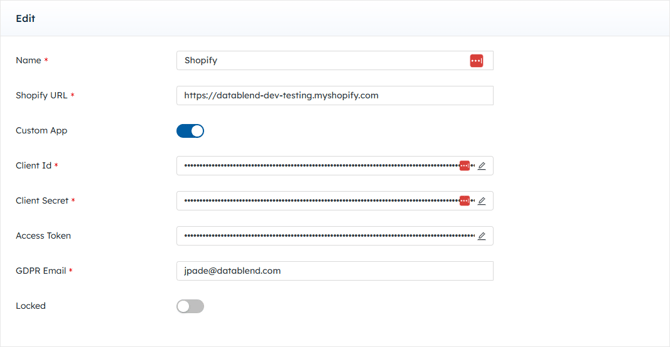
To make a Shopify connection, the following credentials are needed:
|
Field Name |
Required/ Optional |
Description |
|---|---|---|
|
Type |
Required |
Shopify |
|
Name |
Required |
Provide a unique name for this credential. |
|
Shopify URL |
Required |
Enter the Shopify Store URL in the Shopify user profile. |
|
Custom App |
Required |
Toggle on if using Custom App. |
|
Client Id |
Required |
Provide Shopify Client Id if using Custom App. |
|
Client Secret |
Required |
Provide Shopify Client Secret if using Custom App. |
|
Access Token |
Auto-fill |
This field auto-fills with valid Shopify connection. |
|
GDPR Email |
Required |
Type in email. |